TableCurve Studio
The full TableCurve 9 program with nothing trimmed. Curves and surfaces live in the same project tree, share the same review windows and the same report, and are covered by a single licence key — so the question of which half you bought never comes up mid-analysis.
Most experiments do not announce their dimensionality in advance
You start with a response against one factor, then someone asks what happens when temperature also varies, and now the dataset is a surface. With a single-edition licence that is a purchasing conversation. With Studio it is a different node in the same project.
One project, both kinds of data
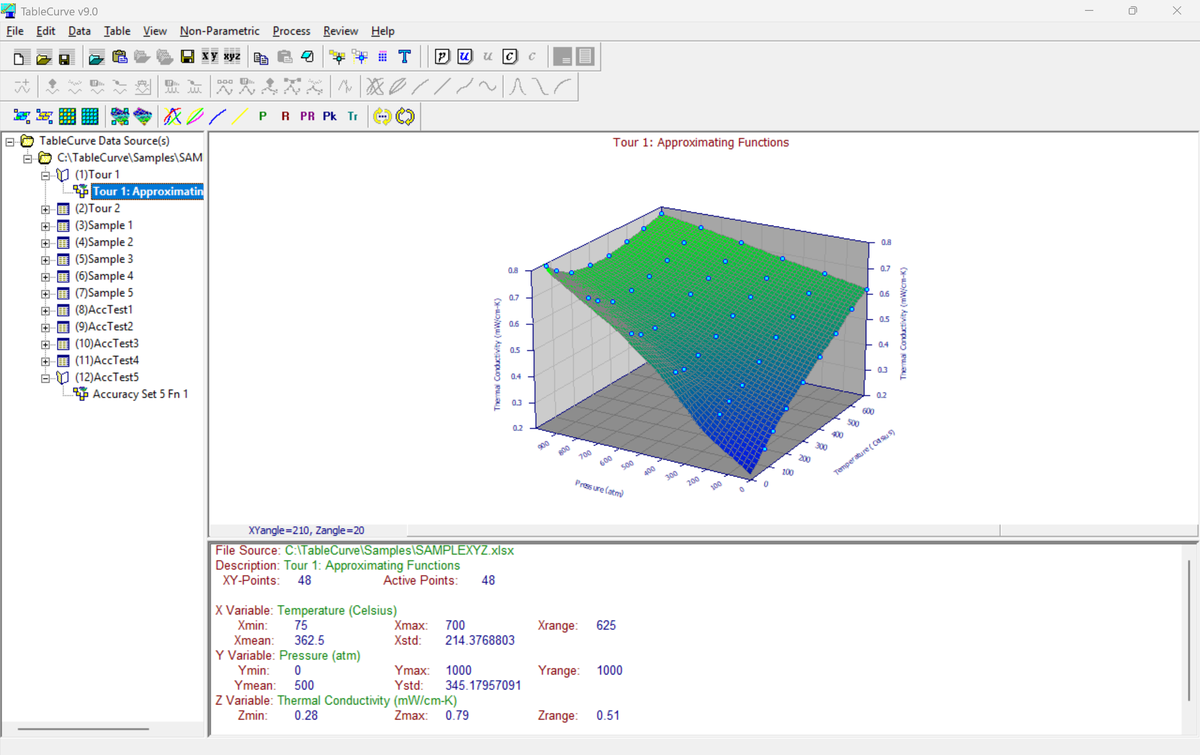
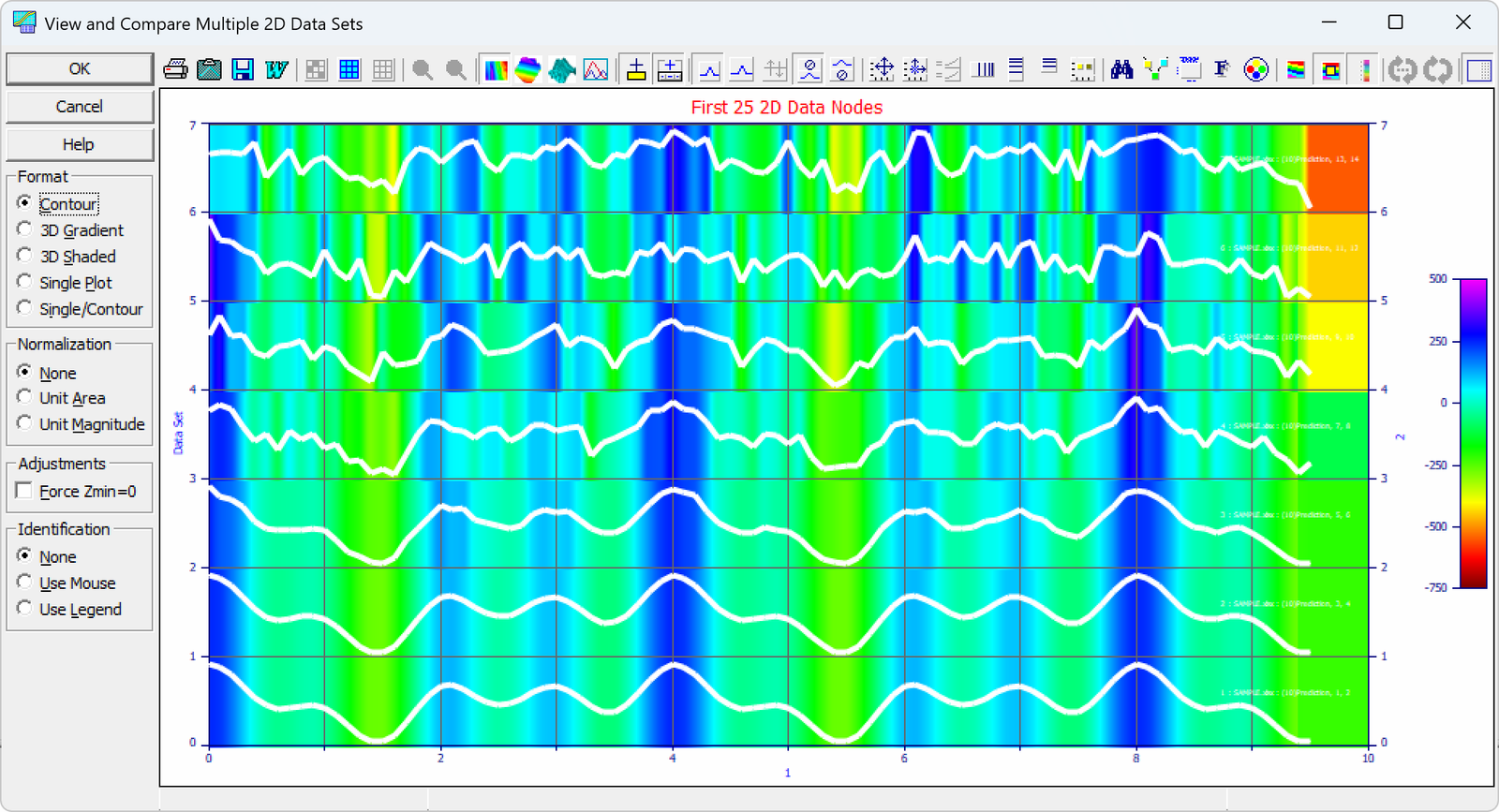
XY and XYZ datasets sit side by side in the same tree, each with its own fits, graphs and generated code beneath it.
Nothing trimmed from the menus
Single editions hide what they cannot run. Studio shows the whole program — every toolbar, every function library, every dialog.
One key to administer
A single activation covers both engines. For a shared machine or a teaching lab that is one thing to track instead of two.
User functions in both dimensions
Define your own curves and your own surfaces, fitted by the same engine and ranked alongside the built-in libraries.
Full Ask menu
Hand a fit, its statistics and its residual pattern to Claude for a second opinion without retyping any of it.
One report for the whole study
Curves and surfaces export into the same Word and Excel output, so a mixed analysis is a single document.
Three things the previous generation did not have
128-bit solver
The fitting engine carries extended precision where double precision runs out. Ill-conditioned polynomials and high-order rationals that degenerate into noise at 64 bits resolve cleanly instead of failing quietly.
AI guidance
Ask the program about the fit in front of you. It passes Claude the equation, its statistics and the residual pattern, so the answer is about your data rather than about curve fitting in general. Studio carries the full Ask menu.
Grouped toolbars
The toolbars are organised by task with a caption under each group, so a hundred icons read as named sets. Studio shows all three bars — standard, 2D process and 3D process.
Studio against the single editions
All three are the same installed program. Your licence key decides which capability is switched on, which means moving up is a key change, not a reinstall or a data migration.
| Capability | TableCurve 2D | TableCurve 3D | Studio |
|---|---|---|---|
| XY curve fitting | 4,274 / Built-in 2D equations | — | 4,274 / Built-in 2D equations |
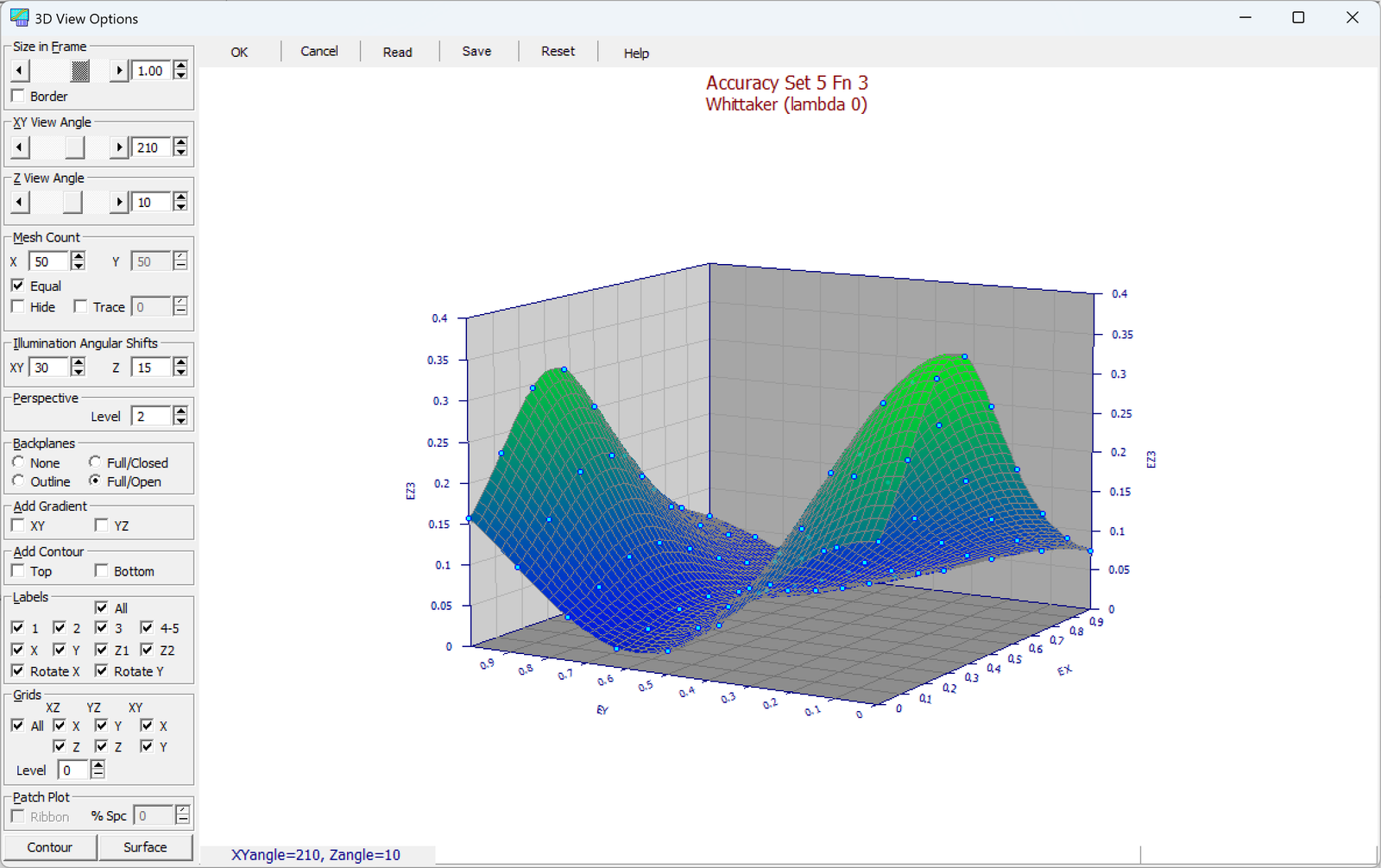
| XYZ surface fitting | — | 38,000+ equations | 38,000+ equations |
| Gridding for scattered data | — | Yes | Yes |
| Rotatable 3D graphics | View only | Full | Full |
| User-defined functions | 2D only | 3D only | 2D and 3D |
| Menus and toolbars | 2D set | 3D set | Complete |
| Ask Claude integration | Copy for Claude.ai | Copy for Claude.ai | Full Ask menu |
| Word and Excel export | Yes | Yes | Yes |
| Generated source code | Yes | Yes | Yes |
What is in the box
Studio is TableCurve 9 with both edition sets enabled. The installer, the project format and the file associations are identical across all three editions.
Already own 2D or 3D? Upgrading to Studio replaces the licence key. Your existing projects open unchanged.
- Data model
- XY pairs and XYZ triples in one project
- Equations
- 4,274 curves and 38,000+ surfaces, plus user-defined functions
- Preprocessing
- Gridding and smoothing for scattered or irregular sampling
- Precision
- 128-bit extended-precision solver for ill-conditioned fits
- Statistics
- r², adjusted r², F-statistic, standard error, coefficient confidence intervals
- AI guidance
- Full Ask menu, with the fit and its statistics handed to Claude
- Graphics
- Fitted curves with confidence bands, rotatable surfaces, contour and density maps, residual plots
- Export
- Word, Excel, clipboard, generated source code
- Platform
- Windows 10 and 11, 64-bit
- Licensing
- Annual or perpetual, academic or commercial
Pick a term, pick a category
365 days, renews automatically
- All updates included for the term
- Renewal extends the installed activation
- Academic and commercial pricing
Buy the version, keep it
- No expiry on the version you bought
- Maintenance plan covers upgrades
- Academic and commercial pricing
Run the whole library against your own data
The trial is the complete Studio program. Bring a curve and a surface, and see both rankings before you decide which edition you need.