
Data Visualization Best Practices for Analysts in 2026

Data visualization best practices for analysts are defined as the set of evidence-based methods that transform raw data into clear, decision-ready visuals. Effective visualization is not about aesthetics. It is about directing attention, reducing cognitive load, and making the right insight impossible to miss. The core principles center on chart type selection, dashboard focus, color discipline, and ethical design. Analysts who apply these principles consistently produce reports that stakeholders actually use, not just open and close.
1. Data visualization best practices analysts must prioritize first
The single most important principle in effective data visualization is matching the chart type to the analytical question. Every other design decision follows from that choice. A bar chart answers “which category is largest.” A line chart answers “how did this change over time.” Choosing the wrong chart type forces the viewer to do interpretive work the visual should have done automatically.

Chart selection also determines whether your audience trusts the data. A pie chart with eight slices communicates nothing clearly. Bar charts outperform pie charts for categorical comparisons because the human eye compares lengths far more accurately than angles. That single fact eliminates the most common chart mistake analysts make.
2. How to choose the right chart for different data questions
Chart type selection is the foundation of all effective data visualization techniques. The wrong chart does not just look bad. It produces incorrect conclusions.
Match chart type to question type:
- Bar charts: Use for comparing discrete categories. Always start the y-axis at zero.
- Line charts: Use for trends over time. Limit to four lines maximum per chart to avoid visual noise.
- Scatter plots: Use for correlation analysis. Add a regression line when the relationship direction matters.
- Heatmaps: Use for spotting patterns across two dimensions simultaneously, such as day-of-week by hour.
- Tables: Use when exact values matter more than patterns. Never use a table to show a trend.
- Pie charts: Restrict to part-to-whole relationships with no more than 3–4 slices.
Pro Tip: When you are unsure which chart to use, write the question your visual must answer in one sentence. The verb in that sentence usually tells you the chart type: “compare” means bar, “change over time” means line, “relationship between” means scatter.
The most common chart mistake is truncating the y-axis on a bar chart. Truncating the y-axis exaggerates minor variances and is the most frequent way analysts unintentionally mislead stakeholders. Start bar charts at zero, without exception.
| Data question | Recommended chart | Common mistake |
|---|---|---|
| Compare categories | Bar chart | Starting y-axis above zero |
| Show trend over time | Line chart | Too many overlapping lines |
| Show correlation | Scatter plot | Omitting regression line |
| Show composition | Pie chart | More than 4 slices |
| Show exact values | Table | Using a table to imply trend |
3. Best practices for dashboard design and KPI selection
A dashboard that tries to answer every question answers none of them well. The most effective dashboards are built around a single, clearly stated business question. That constraint forces the analyst to select only the metrics that matter.
Dashboards should contain no more than 5–7 KPIs to maintain stakeholder focus. Attempting to answer more than one business question per screen causes viewers to disengage entirely. That number is not arbitrary. It reflects the cognitive limit at which a decision-maker can absorb and act on information in a single session.
Dashboard design rules that hold up in practice:
- Write the dashboard’s purpose as a single sentence before building it. “Sales Overview” is not a purpose. “Track weekly revenue against Q3 target by region” is.
- A single sentence purpose statement prevents scope creep and keeps metrics relevant.
- Make the primary KPI tile at least three times larger than supporting tiles. Users spend 60% of their first 8 seconds on the largest tile. Size communicates priority.
- Assign a named owner to every dashboard. Dashboard ownership directly correlates with long-term usage and data reliability.
- Conduct a quarterly audit. Remove any metric that no stakeholder has acted on in the past 90 days.
Pro Tip: Before publishing any dashboard, ask one stakeholder to describe what action they would take based on the default view. If they cannot answer in under 30 seconds, the design needs revision.
Interactive filters should only be used when the default view already provides a clear answer. If users must click or drill down to understand the current status, the dashboard has failed its primary purpose. Interaction is a supplement, not a substitute for clear default design.
4. Using color, layout, and annotation strategically in visual storytelling
Color is the most misused element in data visualization. Most analysts use it decoratively. The correct use of color is functional: it directs attention to the single most important data point in the visual.
Pre-attentive attributes like color contrast and size guide viewer attention before conscious processing begins. That means color choices affect comprehension at a neurological level, not just an aesthetic one. Use one accent color per visual to highlight the key finding. Use gray for everything else.
Color and layout principles for analysts:
- Choose colorblind-safe palettes such as Viridis or ColorBrewer for any chart with categorical color encoding.
- Avoid rainbow color scales. They imply a continuous gradient where none may exist.
- Use white space deliberately. Crowded visuals signal low confidence in the data.
- Place the headline insight at the top left. Western readers scan in an F-pattern, so the most important information belongs in the first position.
- Add annotations to explain anomalies. A spike in March means nothing without a label explaining the cause.
Pro Tip: Remove every gridline from your chart, then add them back one at a time only where they help the reader compare values. Most charts need no gridlines at all.
Avoid 3D effects entirely. Three-dimensional bar and pie charts distort perceived values because depth creates false size differences. Dual axes present a similar problem: they allow the analyst to imply a causal relationship between two unrelated metrics simply by adjusting the scale. Both practices undermine analytical credibility.
5. How to avoid deceptive design in data visualization
Deceptive visualization is usually unintentional. Analysts make design choices under time pressure, and those choices quietly distort the story the data tells. The result is stakeholders who make decisions based on visual artifacts rather than actual data patterns.
“The greatest value of a picture is when it forces us to notice what we never expected to see.” — John W. Tukey, Exploratory Data Analysis, 1977
The most common deceptive practices and how to avoid them:
- Truncated y-axis: Always start bar charts at zero. A 2% difference looks like a 400% difference when the axis starts at 98.
- Cherry-picked date ranges: Show the full available time series, then highlight the period of interest with annotation.
- Inconsistent scales: Never compare two bar charts side by side with different y-axis scales without explicit labeling.
- Visual democracy: Giving every element equal visual weight communicates no priority. Size, color, and position must reflect analytical importance.
- Misleading titles: A title like “Revenue Up” without specifying the comparison period or baseline is incomplete and potentially misleading.
- Unlabeled legends: Every color, line, and shape in a chart must be identified. Forcing viewers to guess destroys trust.
The ethical standard for data presentation is simple: the visual impression the chart creates must match the statistical reality of the data. Any design choice that makes a small difference look large, or a large difference look small, violates that standard.
6. Tailoring visualization techniques to different analytical contexts
The best data analysis methods for a real-time operations team differ from those for a quarterly board presentation. Effective analysts adapt their approach based on audience expertise, data complexity, and the decision the visual must support.
Operational dashboards serve frontline teams who need immediate status updates. These visuals prioritize speed of comprehension over depth. Use large KPI tiles, traffic-light color coding, and minimal annotation. The default view must answer the question “is everything normal right now” without any interaction.
Analytical deep-dive reports serve data teams and senior analysts. These can include more complex visuals such as scatter plots with regression lines, small multiples for cross-segment comparison, and interactive filters for exploratory analysis. Annotation density can be higher because the audience has the context to interpret it.
Stakeholder presentations require a different approach entirely. Strip every visual down to its single core finding. One chart, one message. Annotations should spell out the implication, not just describe the data. Replace axis labels with plain-language descriptions wherever possible.
Mobile vs. desktop is a constraint that most analysts ignore until it is too late. A dashboard designed for a 27-inch monitor becomes unreadable on a phone. If mobile access is expected, design for a single-column layout with large touch targets and no hover-dependent tooltips.
Pro Tip: Build two versions of any high-stakes report: one for the analyst audience with full detail, and one for the executive audience with only the headline finding and its business implication. The second version is almost always the one that drives decisions.
Key takeaways
Effective data visualization for analysts requires disciplined chart selection, focused dashboards, and functional use of color to direct attention and support accurate decisions.
| Point | Details |
|---|---|
| Match chart to question | Select bar, line, scatter, or table based on the specific analytical question being answered. |
| Limit dashboard KPIs | Keep dashboards to 5–7 KPIs focused on a single business question to maintain stakeholder engagement. |
| Use color functionally | Apply one accent color to highlight the key finding; use gray for all supporting data. |
| Assign dashboard ownership | Named owners and quarterly audits prevent dashboards from becoming stale and unreliable. |
| Start bar charts at zero | Truncating the y-axis is the most common way to unintentionally mislead stakeholders. |
What I have learned from years of watching dashboards succeed and fail
The pattern I see most often is this: analysts spend 80% of their time building the visualization and 5% asking whether it answers the right question. The remaining 15% is spent wondering why no one uses it.
The discipline that separates effective analysts from average ones is ruthless decluttering. Every element in a visual competes for attention. A chart with 12 colors, dual axes, and a 3D effect is not a rich visualization. It is a cognitive obstacle. The best visuals I have seen look almost too simple. That simplicity is the result of deliberate removal, not lazy design.
Dashboard adoption is almost entirely a function of ownership. When I started enforcing the rule that every dashboard must have a named owner responsible for quarterly review, usage rates improved noticeably. Ownerless dashboards accumulate stale metrics and broken filters. Owned dashboards stay accurate because someone’s professional credibility is attached to them.
The emerging role of AI-assisted visualization is real, but it does not change the fundamentals. AI can suggest chart types and flag anomalies, but it cannot decide what question the business needs to answer. That judgment belongs to the analyst. The tools change. The principles do not.
Peer review of visualizations is underused. Showing a draft dashboard to one colleague who was not involved in building it will surface more design problems in five minutes than a solo review session will in an hour.
— Nadeem
R2nsoftware and the next level of analytical visualization
Applying these visualization principles at scale requires tools that enforce them by design, not just by discipline. R2nsoftware builds analytical software for professionals who need results that are scientifically defensible, not just visually presentable.
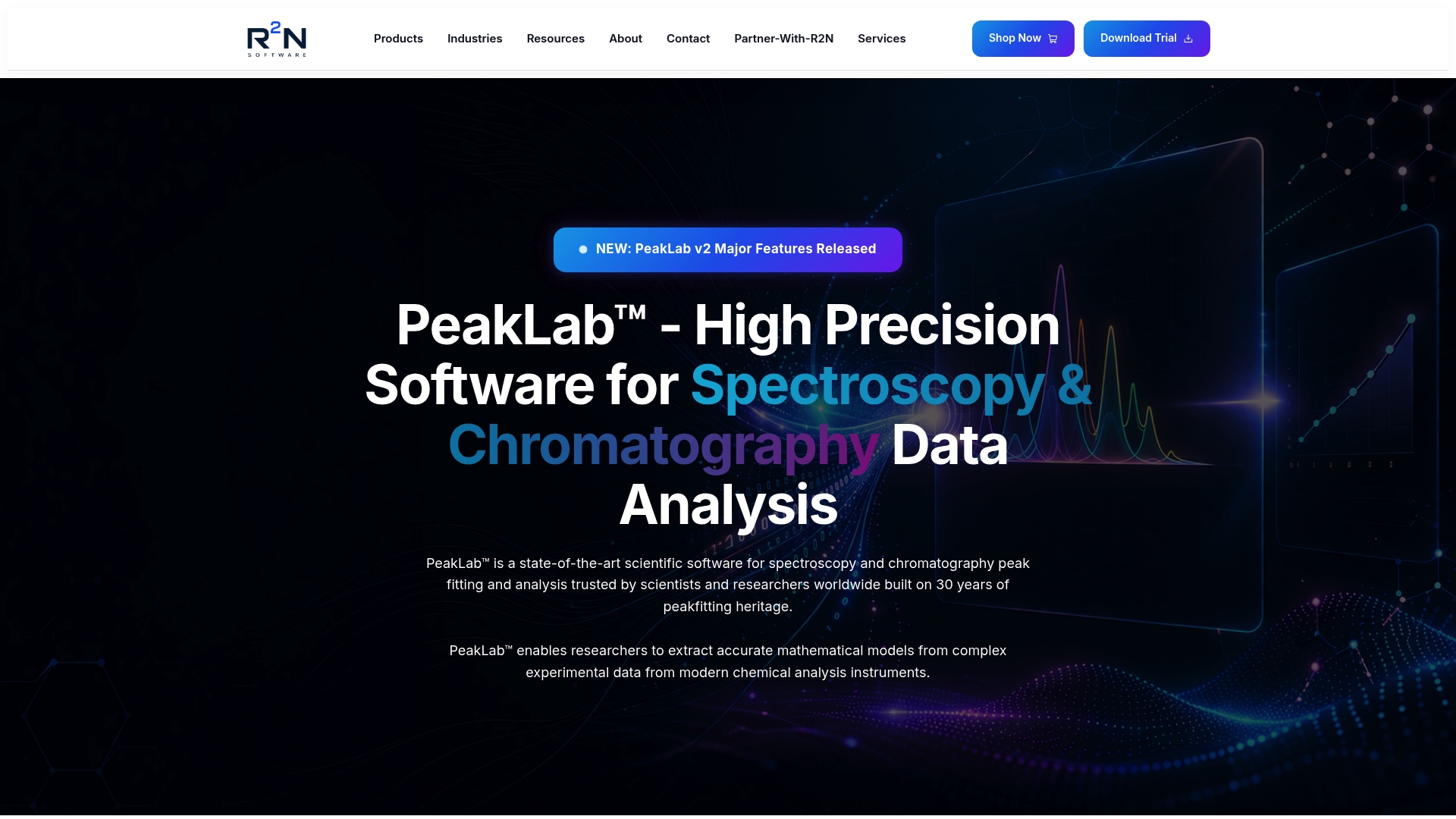
R2nsoftware’s PeakLab platform supports analysts working with complex signal data, including overlapping peaks, baseline correction, and high-density datasets where standard visualization tools produce ambiguous outputs. For analysts in chromatography, spectroscopy, or any field requiring precise curve fitting, PeakLab applies advanced mathematical models to produce visuals that accurately represent the underlying data. The AutoSignal tool adds automated signal detection, reducing the manual effort required to identify and annotate key features in complex datasets. Explore the full R2nsoftware video library to see these capabilities applied to real analytical workflows.
FAQ
How many KPIs should a dashboard contain?
A dashboard should contain no more than 5–7 KPIs focused on a single business question. Exceeding that number causes stakeholders to disengage from the dashboard entirely.
Why must bar charts start at zero?
Truncating the y-axis on a bar chart exaggerates minor differences and is the most common source of unintentional data misrepresentation. Starting at zero preserves accurate visual proportion.
What is the headline number rule in dashboard design?
The headline number rule states that the primary KPI tile should be at least three times larger than supporting tiles. Users spend 60% of their first 8 seconds on the largest element, so size must reflect analytical priority.
When should analysts use interactive filters?
Interactive filters are appropriate only when the default dashboard view already answers the primary business question. If users must interact to understand current status, the default design needs revision.
What is the safest color palette for data visualization?
Colorblind-safe palettes such as Viridis or ColorBrewer are the standard choice for categorical color encoding. These palettes remain distinguishable for viewers with the most common forms of color vision deficiency.