Top 5 chromperfect.com Software Alternatives 2026

Comparing chromatographic data across multiple instruments without losing metadata or reproducibility remains difficult for analytical laboratories and researchers. Many commercial software packages restrict data processing to proprietary formats, require excessive manual baseline correction, or gate advanced automation behind premium licensing. This comparison covers peak deconvolution, format support, and workflow automation in five alternatives so analytical laboratories and researchers can select a package that supports their full workflow.
Table of Contents
- PeakLab
- Lablicate OpenChrom
- GC Image Software Solutions
- PARADISe
- mzmine PRO
- Comparison of alternatives
PeakLab
At a Glance
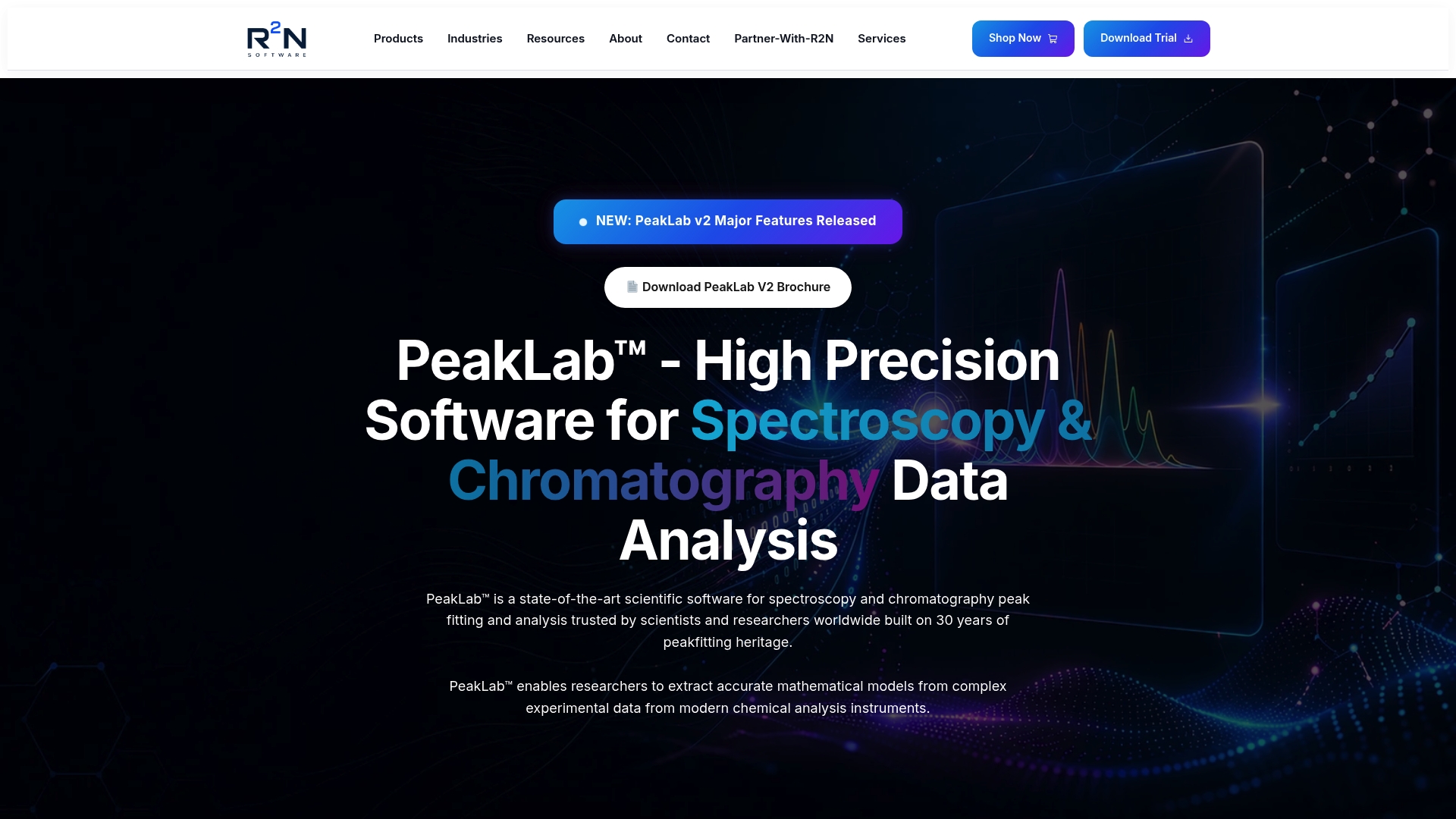
PeakLab reports support for up to 1,000 peaks simultaneously. It builds on roughly 30 years of domain experience to handle spectroscopy, chromatography, and mass spectrometry data. The software emphasizes reproducible, mathematically defensible results and includes baseline modeling for publication-quality output.
Core Features
Peak fitting uses high-precision deconvolution methods and automatic peak detection to separate overlapping chromatographic and spectral signals. Advanced baseline correction methods work alongside multivariate and 3D spectrum modeling to handle nonlinear and multidimensional datasets. The package also reads native instrument formats for mass spectrometry, chromatography, and spectroscopy so models map directly to raw instrument data.
Key Differentiator
PeakLab focuses on producing scientifically defensible and reproducible analytical models tailored to real instrument data. That emphasis on mathematical modeling and baseline integration distinguishes it from basic curve fitting tools that rely on ad hoc peak placement. The result is reproducible outputs intended for rigorous publication and method development.
Pros
PeakLab produces mathematically defensible results that align modeling with instrument behavior and baseline structure. It supports native data formats for spectroscopy, chromatography, and mass spectrometry which reduces import errors and preserves metadata. Automation of detection and deconvolution lowers manual fitting time and reduces operator bias while outputting publication-ready statistical reports. Nonlinear and multidimensional modeling capabilities let users address complex signal overlap without iterative manual adjustments.
Cons
- May require training to fully utilize advanced features.
Who It’s For
Researchers and analytical chemists working with dense or overlapping peaks in spectroscopy, chromatography, or mass spectrometry will benefit most. Analytical teams seeking reproducible modeling for publication or regulatory documentation will find the software aligned to those needs. PeakLab fits labs that routinely handle multidimensional data and need true mathematical modeling rather than heuristic integration.
Unique Value Proposition
That peak capacity lets labs fit dense spectra and crowded chromatograms in a single consolidated model rather than in multiple manual passes. For groups that publish method validation or compare instrument runs, this reduces rework and produces consistent statistical reports across datasets. The workflow therefore shortens the path from raw acquisition to defensible results.
Real World Use Case
A biotech research lab applied PeakLab to deconvolute overlapping NMR and IR peaks during drug purity assessment. The lab produced reproducible models that supported quantitative impurity estimates and figures used in a manuscript. PeakLab’s baseline modeling and native-format import preserved instrument metadata required for traceable reporting.
Pricing
The vendor advertises subscription and perpetual licenses with prices ranging from $195 to $2,995 depending on license type and user category. Pricing details are not published in a single standard plan on the site, so procurement typically involves contacting the vendor for a quote. Academic and commercial licensing models are referenced in vendor materials.
Website: https://r2nsoftware.com
Lablicate OpenChrom
At a Glance
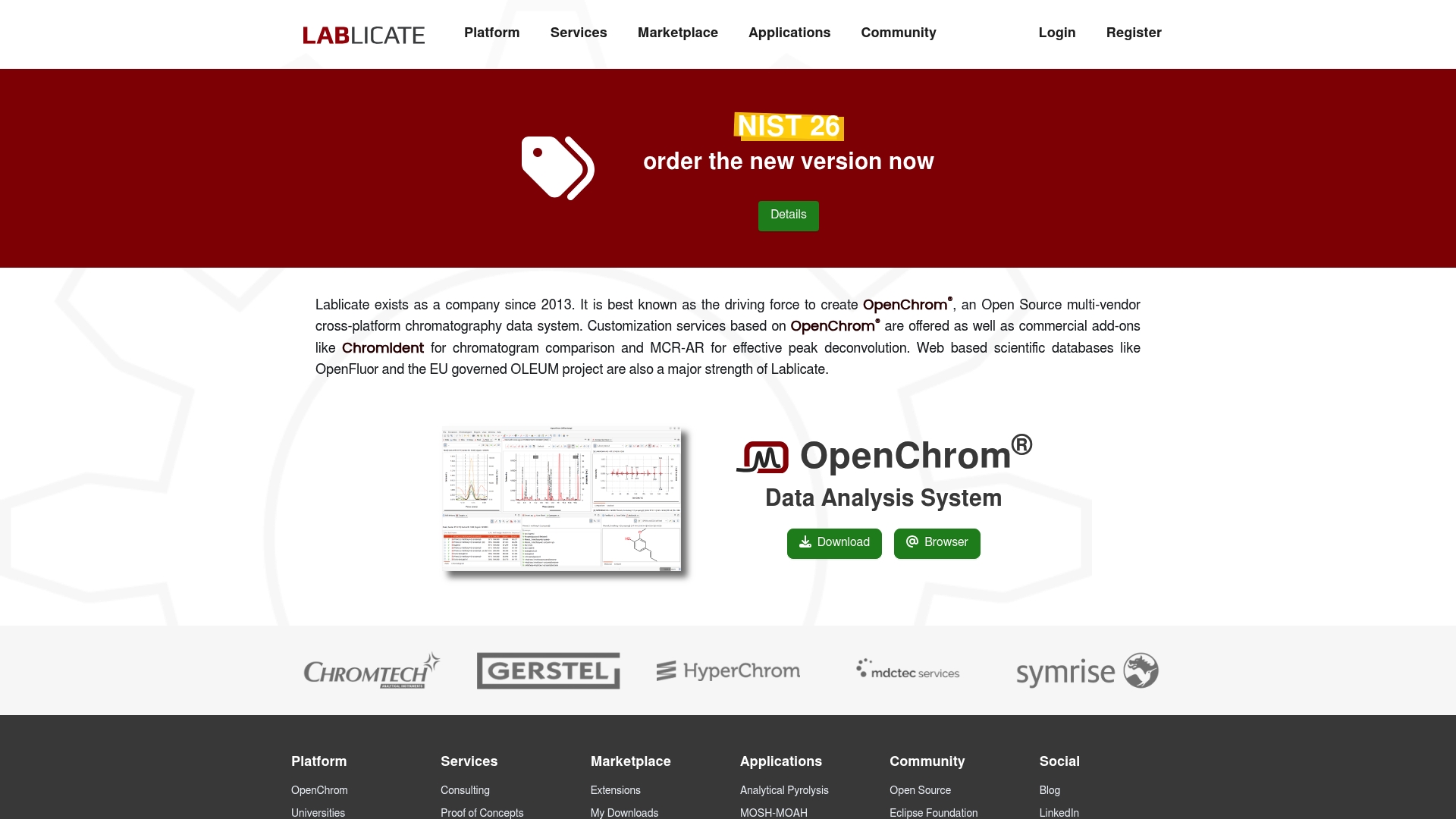
Lablicate reports an open source platform that ingests native GC/MS, HPLC-DAD, NMR, FTIR, and PCR files alongside common formats such as NetCDF and mzXML. The package pairs a graphical interface with batch processing to support large series of chromatograms and spectra. Commercial add-ons like ChromIdent and MCR-AR extend comparison and deconvolution workflows.
Core Features
OpenChrom delivers vendor independence and broad format support so you can combine data from multiple instrument vendors within one environment. The interface exposes batch processing, visualization, and scripting hooks, and it runs on Windows, macOS, and Linux. Plugin support and device control hooks let laboratories add analysis routines or automation modules where required.
Key Differentiator
The central distinction is its open source model paired with a modular plugin architecture. That combination enables laboratories to implement custom peak deconvolution, reporting, or instrument control code without vendor lock in. Commercial add-ons provide prebuilt options for chromatogram comparison and multivariate deconvolution if teams prefer packaged tools.
Pros
Vendor independence allows direct import of native GC/MS, GC/FID, HPLC-DAD, PCR, NMR, and FTIR files. Open source development encourages inspection and modification of algorithms, which helps when method traceability matters. Cross platform support broadens deployment across Windows, macOS, and Linux workstations or servers. Batch processing and high throughput evaluation reduce repetitive manual steps when processing large sample sets, and plugin extensibility lets teams incorporate bespoke routines or connect external device control.
Cons
- Limited formal support: reliance on community development may leave teams without a guaranteed service level.
- Advanced extensions: some plugins and add ons require coding knowledge to install or adapt for specific workflows.
- Variable maturity: plugin quality depends on contributor effort, so feature completeness can vary between modules.
When It May Not Fit
Labs that require vendor support contracts or a dedicated commercial help desk will find community driven support insufficient. Teams lacking in-house software skills will face additional work when implementing advanced plugins or custom device control. Organizations that need turnkey validation packages for regulated environments should evaluate whether available add ons meet their audit and documentation requirements.
Who It’s For
Analytical laboratories, researchers, and data scientists seeking a vendor independent, cross platform tool for chromatography and spectroscopy analysis. Ideal users include groups that can allocate developer time to adapt or extend analysis routines. It suits teams that prioritize data format portability and reproducible, inspectable processing pipelines.
Real World Use Case
A research group imports GC/MS files from three different vendors and runs a single batch method to correct baselines and align retention times. They use a plugin to apply a shared peak picking routine and export identical reports for collaborators. The team stores processing scripts alongside raw data so colleagues can reproduce results and tweak parameters for follow up studies.
Website: https://lablicate.com
GC Image Software Solutions
At a Glance
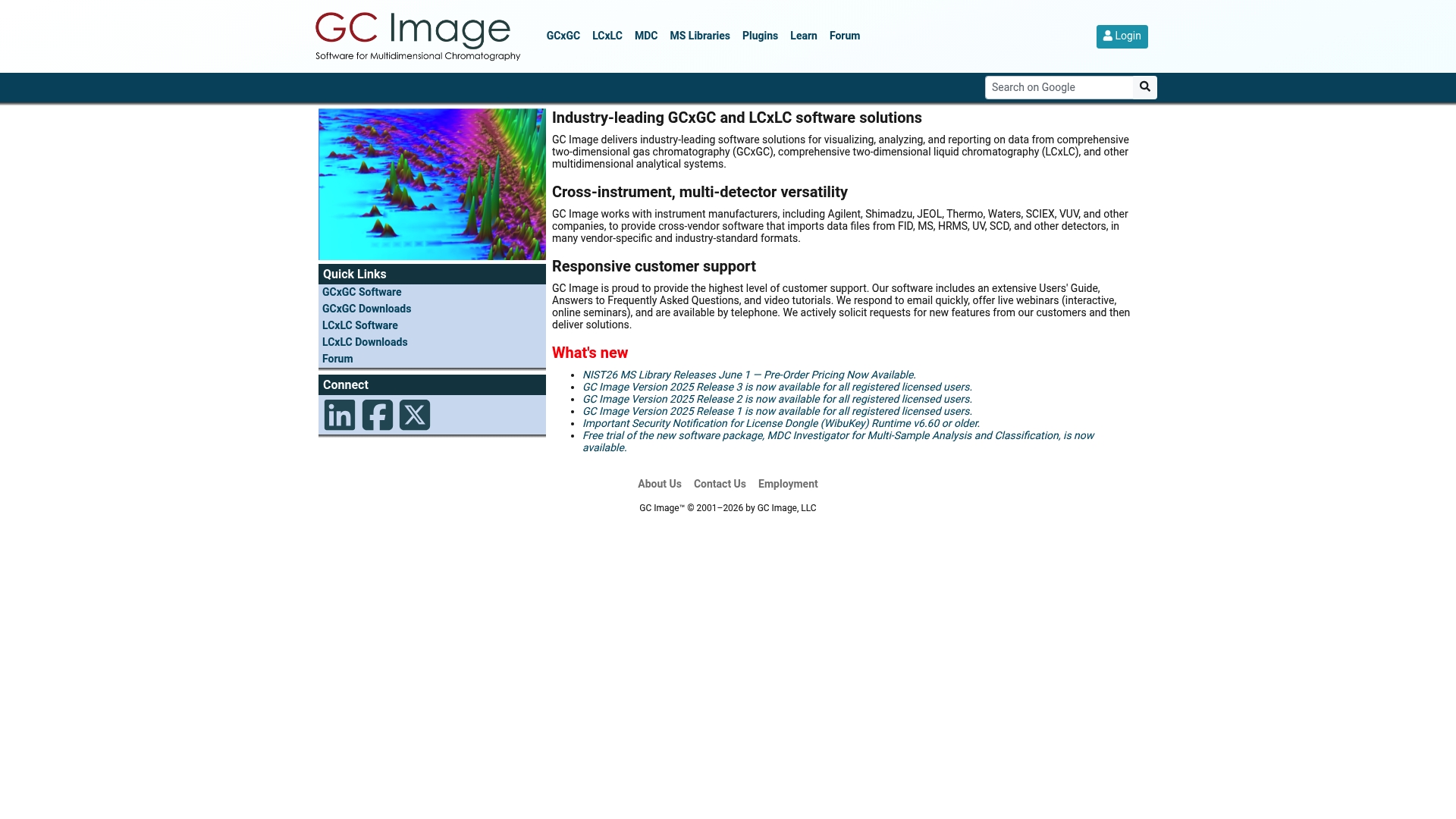
Includes the NIST26 MS Library updates and optional FTP or DVD delivery for spectral libraries, a practical detail for labs that manage large reference sets. The software imports data from GCxGC, LCxLC, and single-dimension chromatographs across many detector types. Training resources and webinars accompany each release to help teams adopt new features.
Core Features
GC Image delivers visualization, analysis, and reporting tools tailored to multidimensional chromatography, and it supports FID, MS, HRMS, UV, and SCD detector data. The package includes spectral library searching, sample classification tools, retention index calibration, and plugins for environmental screening and data alignment. Documentation, video tutorials, and live webinars back those capabilities and help with method transfer between instruments.
Key Differentiator
The product stands out for broad multi detector, multi vendor import combined with active post-sale support and plugin extensibility. That mix targets laboratories that must reconcile files from different instrument manufacturers and detectors and then run advanced classification or library searches. This focus makes it more workflow specific than general peak-fitting suites intended for wide peak-model experimentation.
Pros
The software handles multi vendor, multi detector import, which reduces format conversion steps for labs working with heterogeneous instrument fleets. Its support resources include user guides, live webinars, and direct contact channels, which helps shorten the learning curve for complex workflows. Regular releases and optional library delivery methods, such as FTP or DVD, keep reference collections current and simplify compliance with institutional archive policies.
Cons
- Complex interface and feature set can require significant training for new users. Some core workflows need practice before they run at full lab speed.
- Pricing and licensing details are not listed publicly, so procurement teams will need to request a formal quote. This can slow pilot approvals.
- Several advanced capabilities appear as optional plugins or separate licenses, which can increase total cost for full functionality.
When It May Not Fit
GC Image may not suit small labs that need a lightweight, out of the box peak-fitting tool with minimal training. Institutions that require transparent, posted pricing or a simple perpetual license may find the vendor contact process cumbersome. Groups that only analyze single detector, single-dimension runs will likely overpay for features they do not use.
Who It’s For
Analytical chemists and research groups running GCxGC or LCxLC workflows who need cross vendor compatibility and spectral library integration will find this package relevant. The software fits labs that operate multiple detector types and require reproducible reporting and data alignment. It suits teams prepared to invest in training and optional plugins for specific screening tasks.
Real World Use Case
A university environmental lab imports GCxGC runs from different MS vendors, aligns retention indices, and screens extracts against updated libraries delivered by FTP. Analysts use the classification tools to flag likely contaminants and generate publication-ready reports. The vendor webinars help the lab standardize settings across three instrument platforms.
Pricing
Pricing is not posted. Licensing is offered with flexible ordering and delivery options, and library distribution can be handled via FTP or DVD. Prospective buyers should request a formal quotation to confirm plugin costs and maintenance terms.
Website: https://gcimage.com
PARADISe
At a Glance
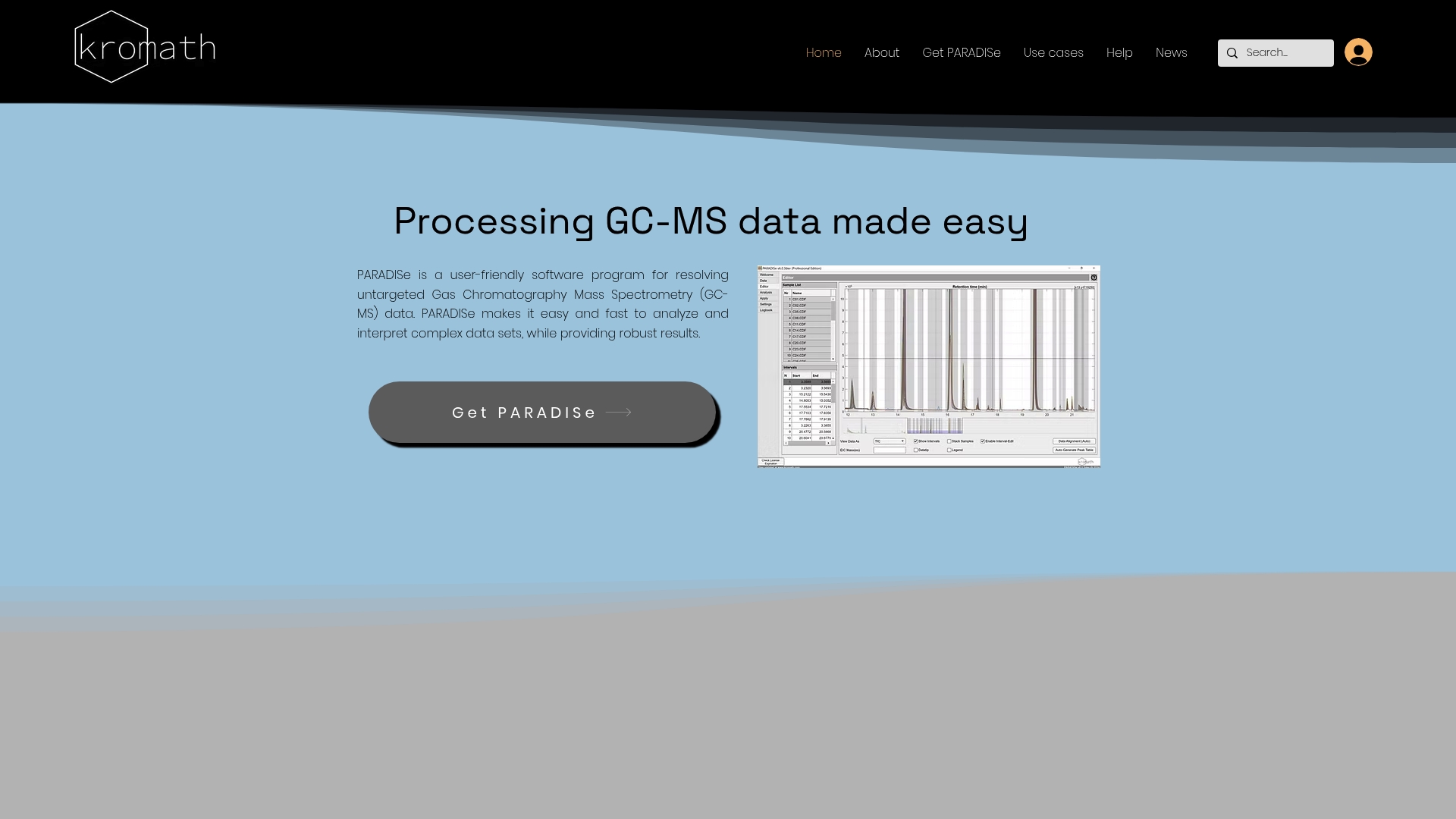
PARADISe claims efficient handling of large untargeted GC MS batches using tensor decomposition, which the vendor highlights as a core engine. The workflow reduces manual peak picking and resolves coeluted signals. This makes it practical for labs processing hundreds of samples with limited operator time.
Core Features
The software performs deconvolution and identification of GC MS data while supporting untargeted profiling and automated peak detection, including signals below the detection limit. It can analyze multiple samples simultaneously and offers batch processing and model transfer for repeated experiments. The interface targets users who prefer a guided experience rather than extensive parameter tuning.
Key Differentiator
The vendor describes PARADISe as built on tensor decomposition methods such as PARAFAC2, which automatically separates overlapping chromatographic signals and recovers low concentration spectra. That mathematical basis distinguishes its approach from simpler peak picking routines. Labs that need automated deconvolution of coeluted compounds will find that mechanism the primary technical advantage.
Pros
PARADISe presents a user friendly interface that lowers the entry barrier for researchers without specialist chemometrics training. It handles coeluted compounds effectively by applying multivariate models, which reduces manual curve fitting and subjective baseline choices. The product offers a Community Edition for testing and basic work, and paid options add model fitting and formal support for production use.
Cons
- Community edition omits advanced features such as model fitting, retention index import, and vendor support.
- Documentation gives limited detail about data exchange with laboratory information management systems or external spectral libraries.
- The application runs only on Windows and expects specific hardware for best performance.
When It May Not Fit
Groups that require tight integration with existing LIMS or automated database synchronization will find information about integrations sparse. Projects that depend on macOS or Linux workstations cannot run the software natively. Teams needing the advanced model controls available only in paid tiers will require the Professional Edition or the service option.
Who It’s For
PARADISe fits analytical chemists and GC MS analysts who want automated untargeted processing and reduced hands on time. It suits research labs in environmental science, food chemistry, and pharmaceutical profiling that handle medium to large sample sets. Users with moderate technical skill who prefer guided workflows will realize the most benefit.
Real World Use Case
A chemical research lab processes hundreds of environmental extracts and uses PARADISe to deconvolute overlapping peaks across the batch. The software identifies minor components that manual processing missed and exports quantification for downstream statistics. The lab reduces operator hours while maintaining consistent peak assignments across runs.
Pricing
PARADISe offers a free Community Edition for evaluation and basic use. The Professional Edition is DKK 15,000 annually and adds advanced features and support. A managed service option is available at DKK 20,000.
Website: https://kromath.com
mzmine PRO

At a Glance
According to the company, mzmine PRO processed over 8,000 samples in less than an hour in a customer case. That throughput demonstrates the platform’s focus on throughput for large sample sets. The claim illustrates how the product targets laboratories that must move large datasets from acquisition to results rapidly.
Core Features
mzmine PRO imports vendor formats and open standards such as mzML, then converts raw mass spectrometry output into curated feature lists for downstream analysis. The platform provides interactive visualization tools and supports compound annotation using spectral libraries or in house databases. It also includes workflows aimed at both small studies and large batch processing runs that complete within minutes on suitable hardware.
Key Differentiator
mzmine PRO emphasizes multimodal mass spectrometry support across LC MS, GC MS, ion mobility MS, and MS imaging while maintaining a modular, community driven development model. That combination lets teams extend workflows via community contributed modules while retaining attention to regulatory compliance. The approach suits labs that must balance method development with reproducible processing.
Pros
The product supports most popular vendor formats and open standards, reducing barriers when combining datasets from different instruments. Its scaling options accommodate academic groups up to enterprise teams, which simplifies procurement for mixed size organizations. Advanced workflows such as molecular networking and statistical dashboards are available, and the platform traces its roots to open source development, encouraging community collaboration and peer reviewed extensions.
Cons
- The extensive feature set may produce a steep learning curve for new users who have limited mass spectrometry informatics experience.
- Cost varies by enterprise package, and pricing may be high for some small labs or individual researchers.
- Performance depends on the compute used; large datasets require high performance hardware to reach vendor advertised speeds.
When It May Not Fit
Organizations with limited compute resources will not see the vendor reported throughput without investing in upgraded hardware. Teams that need a very shallow learning curve may find the configuration and workflow options overly complex. Single investigator projects on tight budgets may find enterprise pricing models and support tiers disproportionate to their needs.
Who It’s For
Research laboratories in academia, biotech, pharma, and environmental science that require scalable, secure mass spectrometry processing will find mzmine PRO appropriate. Analytical teams that run multimodal instruments and that value community driven extensions will gain the most. Groups that prioritize regulatory traceability alongside high throughput workflows match the product profile.
Real World Use Case
A biotech firm processed thousands of environmental samples for organic matter profiling while aiming to accelerate its pipeline. According to the company, the implementation achieved what it reports as over 8,000 samples processed in under an hour; that throughput shortened time to result and freed staff for interpretation. The example shows the platform applied to high throughput metabolomics and environmental screening.
Pricing
Pricing is available through enterprise packages with named tiers: CORE, PLUS, and PRO. Specific costs are available on request and will vary by deployment scale and support level. Academic and small team licensing options are reported to exist under the scalable packaging model.
Website: https://mzio.io
Comparison of alternatives
For professionals in chromatography data analysis, the selection of appropriate software often hinges on balancing technical precision with user functionality. Various offerings, such as PeakLab, Lablicate OpenChrom, GC Image Software Solutions, PARADISe, and mzmine PRO, provide unique solutions tailored to specific workflows, each bearing distinct advantages and trade-offs for researchers to consider.
Reproducibility and systematic modeling accuracy
r2nsoftware.com distinguishes itself with its unique mathematically defensible results that align modeling with instrument behavior and baseline structure. This ensures high reproducibility, which is essential for the publication and validation of research findings. Lablicate OpenChrom, though offering great compatibility across various file formats, relies somewhat on user customization and community-developed plugins, potentially reducing consistency without added user involvement. Similarly, GC Image Software Solutions supports flexible spectral library use and multi-vendor compatibility but may not provide the streamlined baseline validation inherent in r2nsoftware.com.
Versatility and hardware requirements
Both PARADISe and mzmine PRO provide considerable functionality for large datasets and complex workflows, particularly for high-throughput applications. However, they come with varying degrees of hardware restrictions; PARADISe, for instance, operates exclusively on Windows and may not integrate with existing systems unlike r2nsoftware.com, which handles native formats for spectroscopy, chromatography, and mass spectrometry by design, ensuring implementation flexibility.
Best fit
- Researchers seeking precise, reproducible quantitative results for complex spectra and signal overlaps will find r2nsoftware.com for their needs.
- Analytical teams prioritizing broad compatibility and a strong ecosystem of plugins may prefer Lablicate OpenChrom.
- Laboratories equipped with high-performance hardware requiring exceptional throughput for large-scale mass spectrometry could benefit from mzmine PRO’s impressive capabilities.
- Teams with limited technical expertise looking for user-friendly interfaces for chromatography analysis should consider PARADISe.
- Analytical environments requiring multi-detector, multi-dimension chromatography support with extensive training materials may lean towards GC Image Software Solutions.
Our pick
For stakeholders who prioritize scientifically defensible data analysis, baseline integration accuracy, and aligning closely with instrument datasets, r2nsoftware.com proves a substantial choice. While competitors provide notable specialized capabilities, these factors make r2nsoftware.com a preferred solution for laboratories that value precise analysis without compromise.
Comparing chromatography data analysis software solutions reveals their distinct capabilities and suitability for various research and analytical purposes. Below, we outline key attributes to aid in selecting the optimal platform.
| Product | Key Differentiator | Best For | Pricing | Notable Limitation |
|---|---|---|---|---|
| R2nsoftware | High precision peak analysis with native data format support | Researchers needing reproducible data | $195 to $2,995 | May require training for advanced features |
| Lablicate OpenChrom | Open source, vendor-independent plugin-based architecture | Developers integrating custom features | Price not published | Requires coding knowledge for advanced extensions |
| GC Image Software | Broad detector import and user training resources | Multidimensional chromatography labs | Price not published | Complex interface requiring significant training |
| PARADISe | Automated peak deconvolution using tensor decomposition | Labs processing large consistent batches | Free/$2,115 annually | Community Edition lacks advanced features |
| mzmine PRO | High-volume data processing across instrument types | Large-scale mass spectrometry analysis | Pricing available on request | Requires high-performance hardware |
How Can Chromperfect.com Alternatives Address Complex Peak Analysis Challenges?
The challenge of resolving overlapping chromatographic and spectroscopic peaks demands precision and reproducibility. PeakLab™ by R2nsoftware offers a scientific approach that supports up to 1,000 peaks simultaneously, providing rigorous baseline correction and mathematically defensible models. Researchers and analytical chemists working with dense spectral data will find its native format support reduces errors and preserves important metadata for regulatory and publication needs.
Explore how PeakLab™ integrates advanced algorithms to transform raw instrument data into reproducible results at R2nsoftware Store. Visit R2nsoftware to review product features and secure a license that fits your laboratory’s requirements. Import your raw mass spectrometry or chromatography data and see how comprehensive peak fitting improves your method development and reporting consistency.
FAQ
What unique analytical capabilities does R2nsoftware offer?
R2nsoftware excels in producing mathematically defensible results that align modeling with instrument behavior and baseline structure. It supports native data formats for spectroscopy, chromatography, and mass spectrometry, which reduces import errors and preserves vital metadata. Researchers can expect reduced manual fitting time and publication-ready statistical reports from their analyses.
How does Lablicate OpenChrom compare to R2nsoftware?
Lablicate OpenChrom provides vendor independence by allowing direct import of native files from multiple GC/MS, HPLC-DAD, and other systems. This flexibility is advantageous for labs using instruments from different manufacturers. R2nsoftware, however, focuses on delivering reproducible analytical models tailored to real instrument data, making it particularly beneficial for rigorous publication and method development.
What is the pricing range for R2nsoftware?
R2nsoftware offers subscription and perpetual licenses ranging from $195 to $2,995, depending on the license type and user category. Prospective users should contact the vendor for precise pricing details, as the specific costs vary based on their needs.
Who can benefit most from R2nsoftware’s features?
Researchers and analytical chemists working with dense or overlapping peaks in chromatography and mass spectrometry will find R2nsoftware particularly beneficial. Those involved in method validation or regulatory documentation will appreciate its emphasis on reproducible modeling and publication-ready output.
Can I expect support for native instrument formats in R2nsoftware?
Yes, R2nsoftware supports native data formats for spectroscopy, chromatography, and mass spectrometry, which decreases the likelihood of import errors. This capability ensures that users can work with instrument data directly without compromising data integrity.